If Google still gave everyone exactly what they wanted, you probably wouldn’t be reading this.
Maybe the results feel noisier. Maybe AI answers keep getting in the way of the link you actually wanted. Maybe you’re just done with every search feeding an advertising profile.
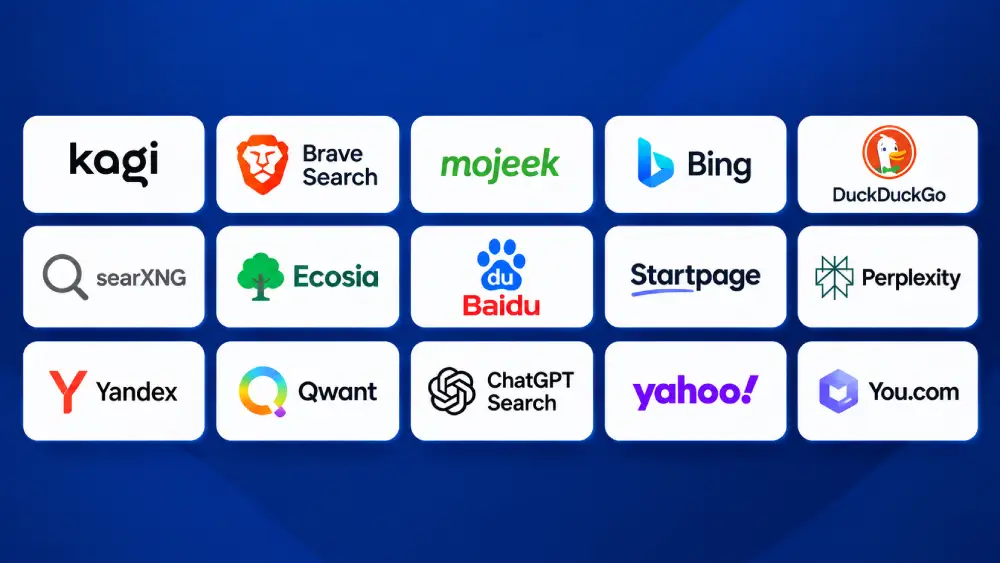
I’m going to walk you through 15 of the real alternatives, and be specific about which ones actually solve which problem.
At OneLittleWeb, we have referral data from client websites across the US, UK, Canada, and Australia. And over the past two years, traffic from outside Google has stopped looking like a rounding error. That pattern, plus direct research into each engine’s sourcing is what this guide is built on.
Some of these are genuinely independent. Most just borrow Bing’s index and add a privacy layer.
Knowing the difference is the whole game. Let’s get into it.
The one thing to understand first: front end vs index
A search engine’s name tells you nothing about where its results come from. This is the biggest blind spot in most roundups on this topic, and it’s the thing that actually matters if you’re trying to leave Google’s world rather than just hide from it.
Running your own web index is brutally expensive. Crawling billions of pages, storing them, ranking them, keeping them fresh, that’s data-center money almost nobody has. So most “alternative” engines don’t do it. They rent results from Google or Bing, wrap a privacy layer or a nicer interface around them, and ship that.
That’s a fine product if your problem is tracking. It’s the wrong product if your problem is Google’s actual results, or your dependence on big-tech infrastructure.
Here’s how this guide actually breaks it down:
- Own independent index (they crawl the web themselves): Brave, Mojeek, Kagi, Bing, Yandex, Baidu
- Google’s results, proxied (privacy layer over Google): Startpage
- Mostly Bing underneath (privacy or cause layer over Bing): DuckDuckGo, Yahoo
- Blended index (own crawl plus Bing): Ecosia, Qwant
- Meta-search (blends several engines): SearXNG
- AI answer engines (they synthesize answers, no classic index of their own): Perplexity, You.com, ChatGPT Search
One thing sharpened this whole picture in 2025. Microsoft retired the public Bing Search API on August 11, 2025, and pointed developers at its AI agents instead. Big partners with existing contracts, like DuckDuckGo, were fine. Smaller engines renting Bing data got squeezed. That’s a big reason the engines that own their own index look sturdier now than they did two years ago.
Keep this straight as you read: “doesn’t track you” and “doesn’t use Google or Bing” are two completely different promises. A lot of these engines keep one and quietly break the other.
What are alternative search engines?
An alternative search engine is any tool that retrieves and ranks information from the web outside Google’s own index and ranking system. That covers a wider range than most people expect.
Some, like Brave or Mojeek, run their own crawler and build an independent index from scratch. Others, like Startpage, hand you Google’s own results through a privacy layer. A third group, like Perplexity or ChatGPT Search, skip the ranked list of links entirely and hand you a written answer with citations instead.
What they share is the same basic pitch: something Google either won’t or can’t give you, whether that’s less tracking, a different ranking model, a specific cause, or an answer instead of a page of blue links.
Google still handles somewhere close to 90% of global search volume. The alternatives in this guide aren’t trying to unseat that outright. They’re solving one specific frustration at a time.
Why people look for alternatives to Google
Three complaints come up again and again in the client data we see and in the forums where people actually debate this.
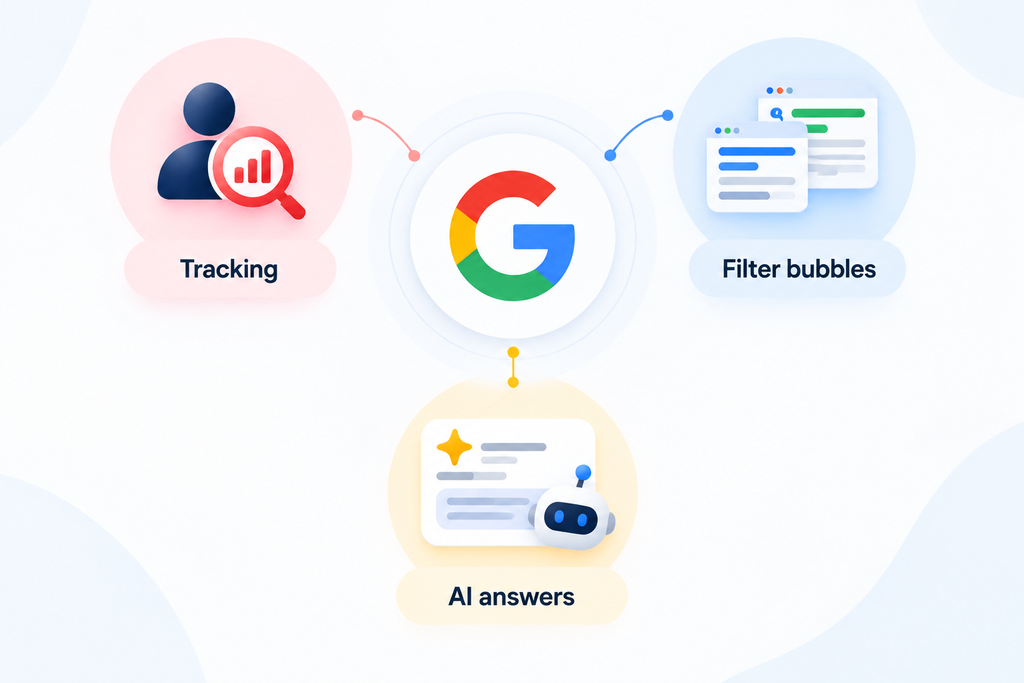
Tracking. Every query, click, and dwell time gets folded into an ad profile. For a lot of people, that stopped feeling like a fair trade a while ago.
Filter bubbles. Personalized results mean two people searching the same term can see meaningfully different pages. That’s useful for restaurant recommendations. It’s a real problem when you’re trying to research something objectively.
AI answers nobody asked for. Google’s AI Overviews and AI Mode now sit on top of a huge share of queries, whether you wanted a synthesized paragraph or just the list of links. When Google rolled its 2026 AI push out further, we watched some of our own clients’ audiences start showing up on other engines within weeks, which is a very concrete signal that this frustration is real and not just forum noise.
There’s a quieter fourth reason too: the advertising itself. Commercial queries on Google are often dominated by paid placements before you reach a single organic result, and some of the engines below exist specifically to avoid that.
What to look for in a Google alternative
Before you pick one, it helps to know what you’re actually optimizing for. These are the factors that separate a real fix from a reskin.
- Privacy and data handling. Does it log your IP, build a profile, or personalize based on history? Some engines that market themselves as private still leak identifying data by default, so check the specifics, not just the tagline.
- Index independence. Is this a real crawl of the web, or Bing/Google underneath a different logo? Neither answer is wrong, but you should know which one you’re getting.
- Result quality. Independence sounds appealing until the results are worse. Coverage on niche and long-tail queries varies enormously between these 15.
- AI handling. Some engines force AI answers on you. Some let you switch them off entirely. Some are built around nothing but AI answers. Decide which camp you want to be in.
- Business model and ads. Free engines make money somehow, whether that’s contextual ads, affiliate revenue, donations, or your subscription fee. Knowing the model tells you what’s actually being optimized for.
We turned these five factors into the weighted scoring model below.
1. If you want privacy without much fuss
If your main reason for leaving Google is tracking and data collection, privacy-focused search engines give you a cleaner experience without forcing you to change how you search.
These options keep the familiar search workflow while reducing the amount of personal information tied to your queries.
1.1 DuckDuckGo
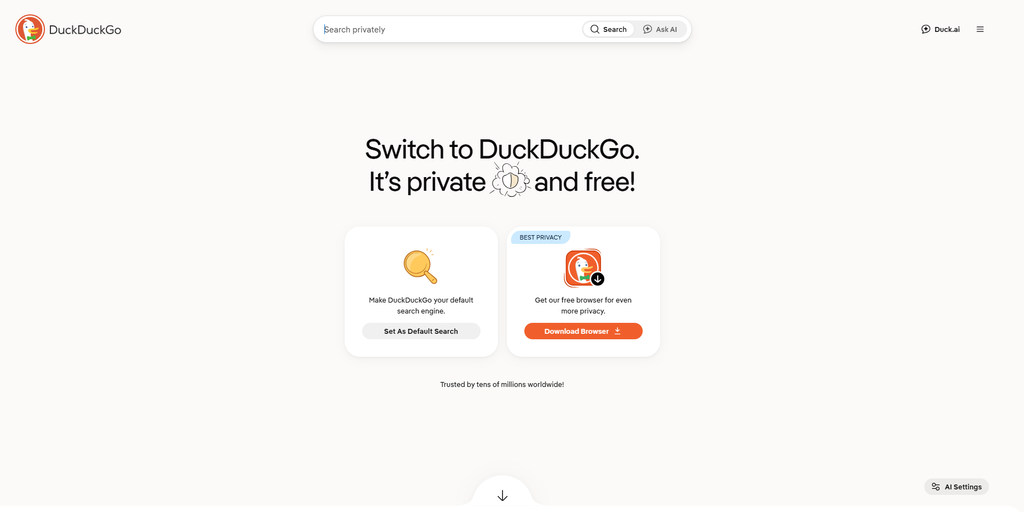
DuckDuckGo has been the default answer to “what’s a private search engine” for over a decade. In 2026 it earned that spot again for one specific reason, and it’s not the privacy basics.
It launched back in 2008 with a simple pitch: search without being tracked. That pitch hasn’t needed much updating since, which says something about how well it was built the first time.
Those basics haven’t changed. No IP logging tied to your identity, no ad profile built while you search, no account required.
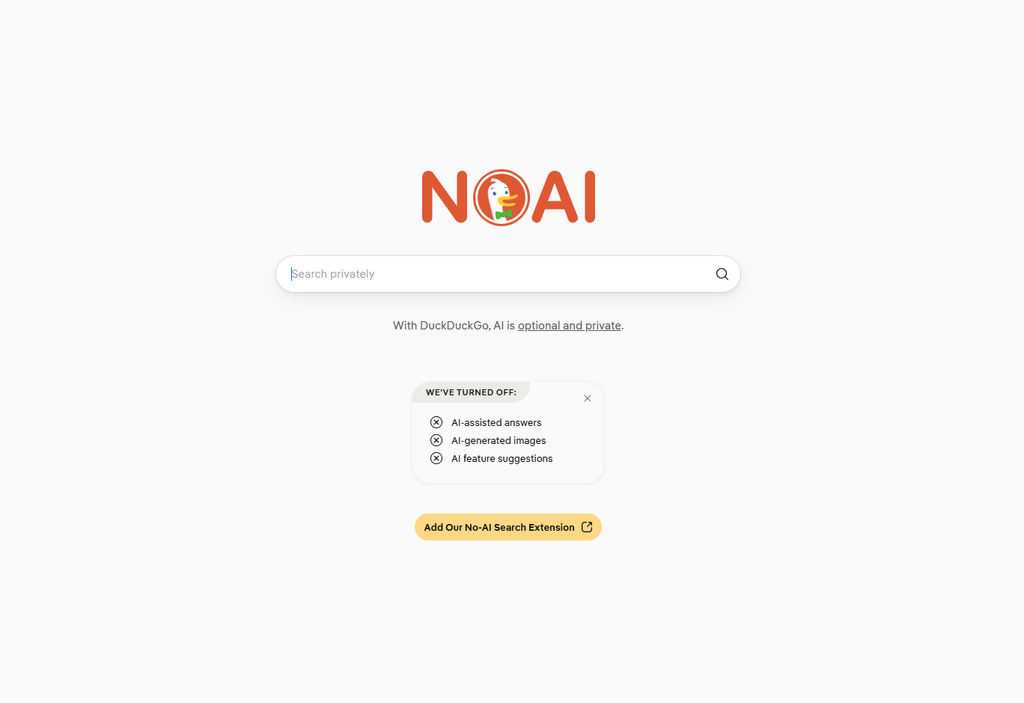
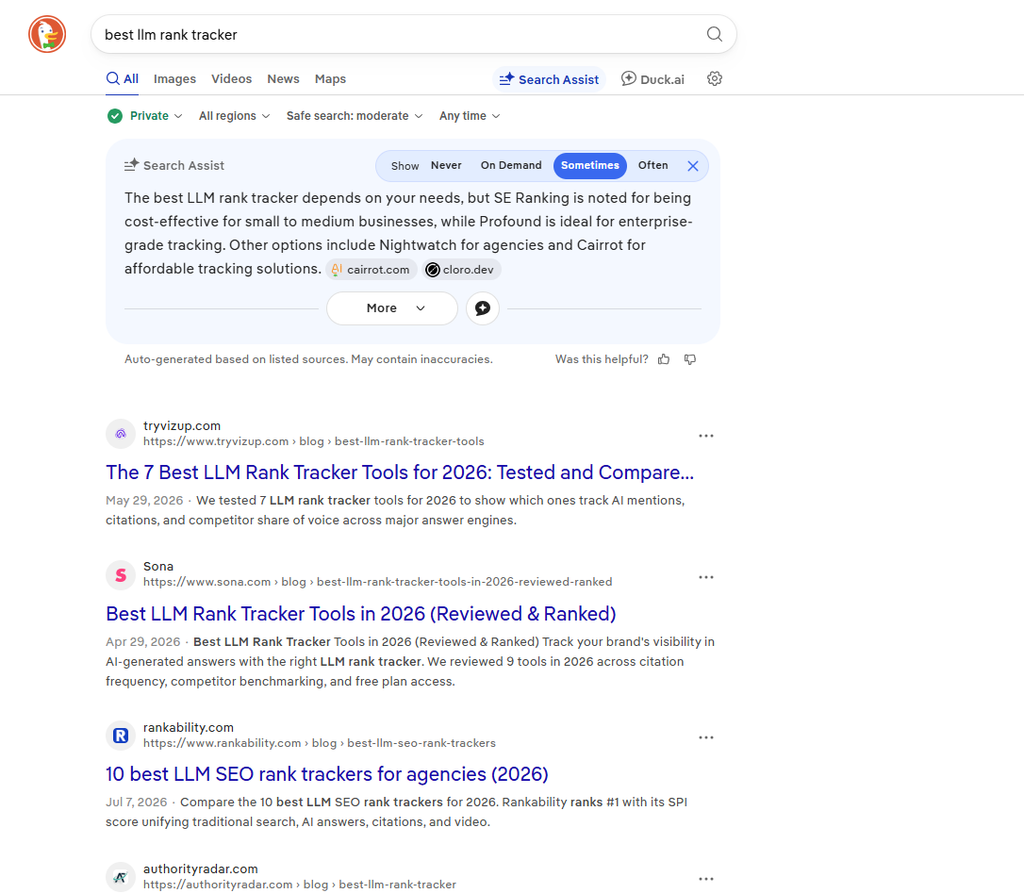
What’s new is a dedicated no-AI mode, and that’s what drove this year’s surge in installs. We watched this play out directly in client referral data, where DuckDuckGo traffic picked up right around the same stretch Google’s AI Overviews rollout expanded further.
It’s still not a perfect Google replacement, and we’ll get into exactly where it falls short below. But for the specific complaint of AI answers crowding out real results, nothing else on this list solves it as directly.
What are DuckDuckGo’s key features?
- The no-AI page (noai.duckduckgo.com). A separate version that strips out AI answers and AI-generated images entirely. Just the classic list of links. No other major engine gives you a one-URL switch this clean.
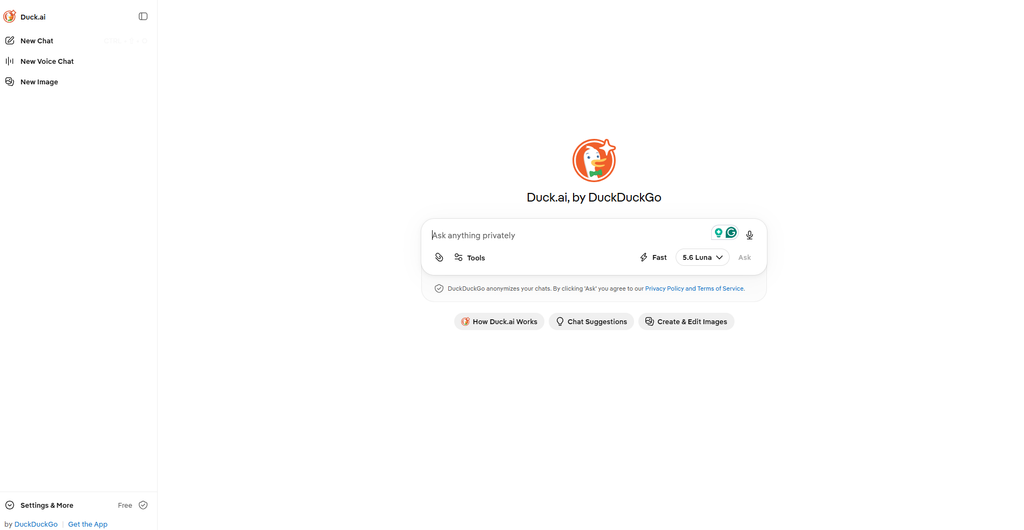
- Duck.ai. An optional private AI chat that routes through several models, including GPT-4o mini, Claude, and Llama, without storing prompts long-term or training on them. Kept separate from core search, and you can ignore it completely.
- Bangs. Type ! shortcuts to jump straight into another site’s results: !w for Wikipedia, !yt for YouTube, !a for Amazon. Thousands of them exist. Most underused feature here.
- Instant Answers for weather, conversions, definitions, and calculations, pulled from sources like Wikipedia and Wolfram Alpha.
- Location switching, letting you manually set a search region instead of relying on your real one.
What are the pros?
- No account, no persistent tracking, no ad profile built over time
- The cleanest AI opt-out of any major engine
- Bangs make it genuinely faster for site-specific searches once you learn a few
- Free with no usage caps
What are the cons?
- It doesn’t run a full index of its own. DuckDuckGo’s own help pages describe traditional links and images as “largely” sourced from Bing, with its own crawler and partners filling gaps around that. If Bing can’t find your query, neither can DuckDuckGo.
- Forum discussion in privacy communities has grown more critical lately, with some users pointing to default location data (GEOIP) being passed to the underlying search partner, and complaining that AI-generated sites now clutter a meaningful share of results even outside the AI answer box itself.
- From an SEO angle, when a client goes missing from DuckDuckGo, the fix is almost always to check their Bing indexing, not anything DuckDuckGo-specific.
Should you use DuckDuckGo?
Best for: anyone who wants private, no-subscription search, and specifically anyone tired of AI answers showing up uninvited.
Skip it if: you want results that owe nothing to Bing, or you need the deepest possible coverage on obscure queries.
1.2 Startpage
Startpage solves a different problem than DuckDuckGo, and it’s worth being clear which one, because people lump the two together and they shouldn’t be.
It doesn’t build its own index and doesn’t avoid Google. It gets you Google’s actual results, through a proxy, so Google never sees who’s asking. You’re getting Google’s view of the web, minus the tracking and minus the personalization that quietly reshuffles everyone’s results.
The company behind it has been doing this since 2006, originally under the name Ixquick, before rebranding to Startpage and narrowing its focus specifically to this Google-proxy model. It’s based in the Netherlands, which puts it under EU privacy law by default rather than as an added feature, and that jurisdiction has held up under third-party audits over the years.
The mechanics are worth understanding, not just trusting. Your query goes to Startpage, Startpage sends it to Google on your behalf, and what comes back gets stripped of anything that could identify you before it reaches your screen. Google sees a search. It never sees you.
That trade-off is the whole product, and it’s a genuinely useful one if what you want is Google’s actual result quality without a Google account quietly building a profile on the other end. Where it gets more interesting is a feature most people don’t know to look for, which we’ll get into below.
What are Startpage’s key features?
- Google results, no tracking. Startpage sits between you and Google. Same query, same results everyone else gets, because there’s no personalization layer reordering them for you.
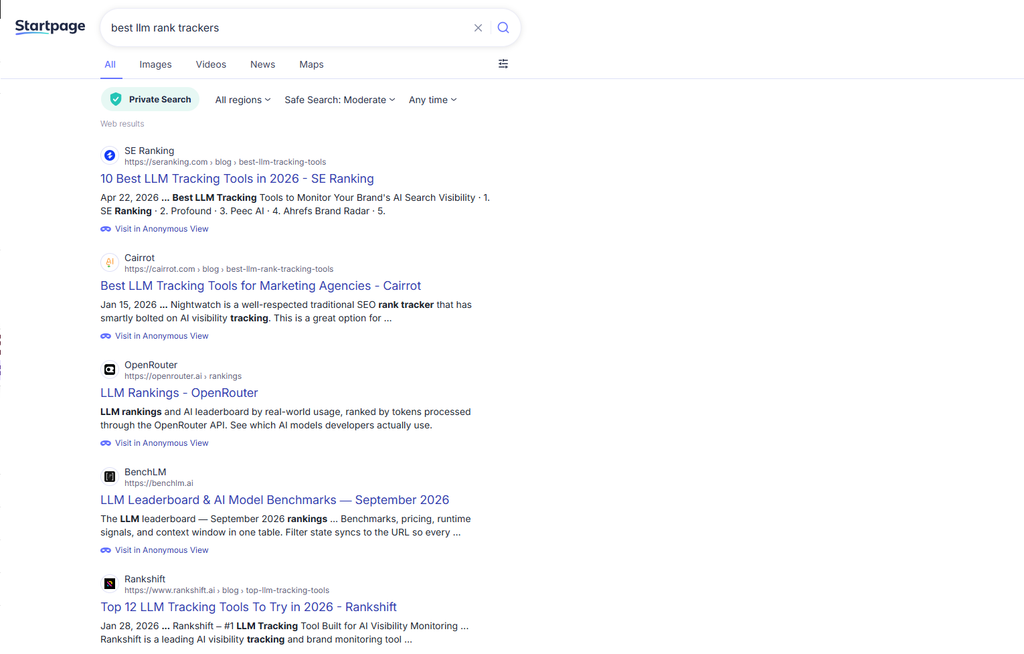
- Anonymous View. Click it next to any result and you visit that page through Startpage’s proxy, hiding your IP from the destination too. For competitor research this is genuinely useful, checking a rival’s site without leaving a footprint is a real need for agencies.
- Standard Web, Images, Videos, News tabs, laid out like a classic search page.
- Mobile app with one-tap history wiping.
- EU-level privacy, based in the Netherlands, with GDPR protections applied by default.
What are the pros?
- Google-quality results without a Google account watching you
- Anonymous View is a genuinely rare, genuinely useful feature for research and competitive analysis
- Supports over 80 languages
- Free with no usage caps
What are the cons?
- You’re tied to Google’s index by design, so whatever Google does to rankings or AI features, you inherit it indirectly
- Startpage is owned by System1, a company with ad-tech roots. The product itself doesn’t track you, but that ownership history makes some privacy-focused users uneasy
- No independent path off Google’s infrastructure, which matters if independence itself is your goal
Should you use Startpage?
Best for: anyone who wants Google-quality results without a Google account logging them.
Skip it if: the System1 ownership bothers you, or you want off Google’s index rather than just hidden from it.
2. If you want a genuinely independent index
This is the category that actually earns the word “alternative.” Everything else in this guide either serves Google’s or Bing’s results directly, or leans on one of them for a meaningful slice of its index. These two don’t.
2.1 Brave Search
Brave built its own index, and that’s the whole pitch. It matters more than it sounds.
Most “independent” engines still lean on Bing behind the curtain. Brave cut that cord in 2023 and now serves 100% of results from its own crawl, which has grown past 30 billion pages.
That’s not a small technical detail. Running your own crawler at that scale means data centers, storage, and ranking infrastructure most companies can’t justify building, which is exactly why so few engines actually do it and instead rent someone else’s results.
Brave got there by folding its acquisition of Tailcat’s search technology into the existing Brave browser user base, giving it both the crawling foundation and a built-in audience large enough to make an independent index viable. That combination is rare. Plenty of engines have tried to go independent and quietly given up.
The result feels closer to normal search than most of the other independent options in this guide, which tend to trade coverage for principle. Brave still has real gaps compared to Google, and we’ll walk through exactly where those show up. But as a daily driver that happens to also be genuinely off Google’s and Microsoft’s infrastructure, it’s the strongest combination on this list.
What are Brave Search’s key features?
- Independent index with an independence score. Brave shows you what share of your results came from its own index versus outside sources. Almost nobody else is that transparent.
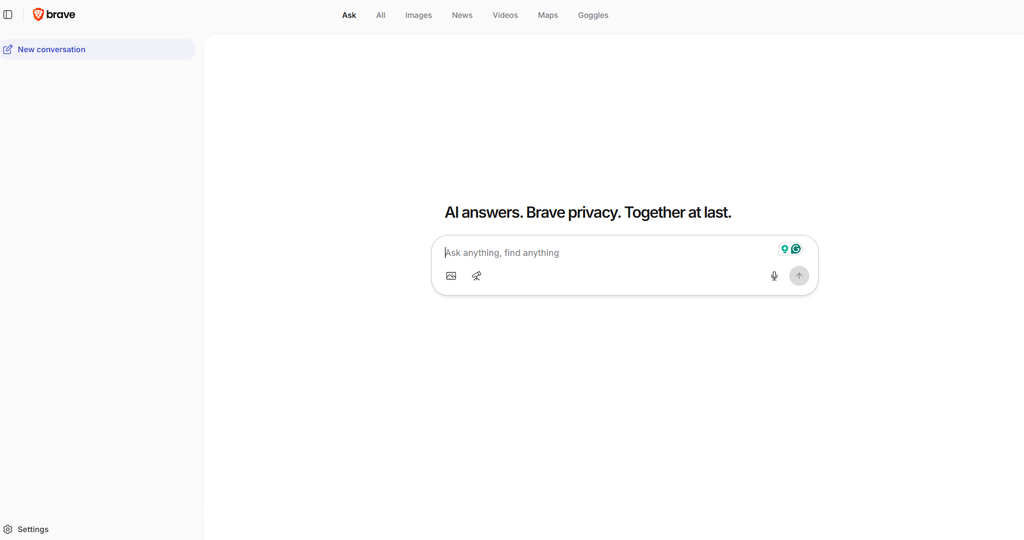
- Goggles. Custom re-ranking filters you apply or write yourself, to boost or bury sources. Search only academic sites, only pages without trackers, or clone one someone else built. This is the standout feature, and Google has no equivalent at any price.
- Rerank. Vote sites up or down to shape your future results.
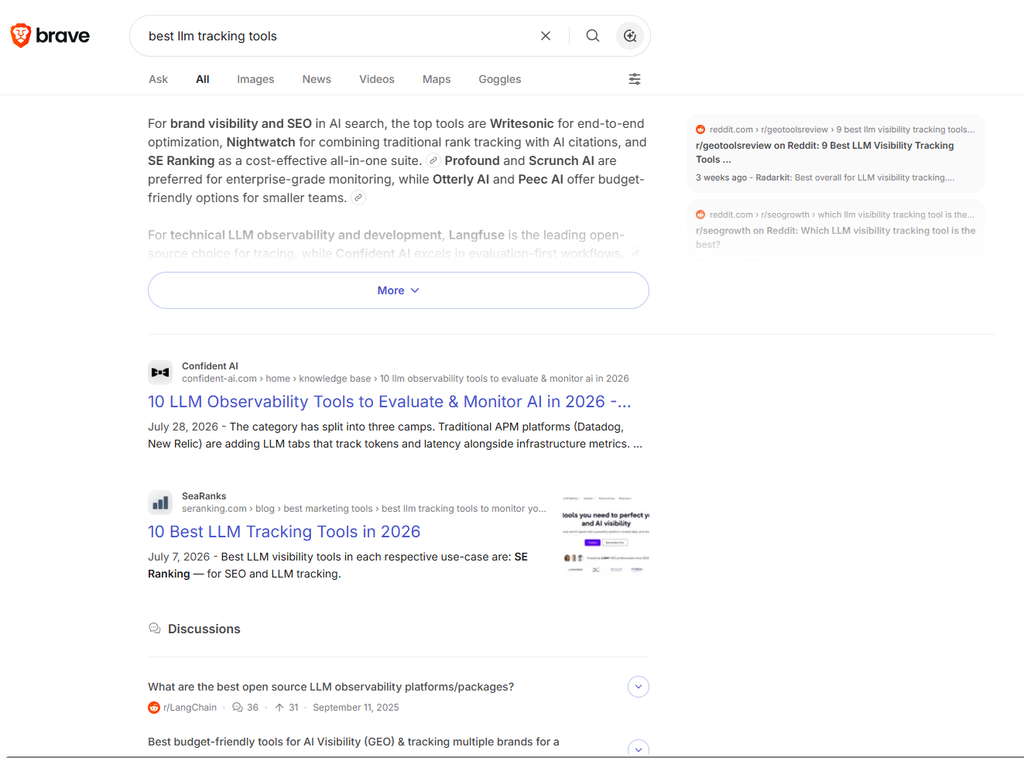
- Discussions. For discussion-worthy queries, Brave pulls in forum results from Reddit and StackExchange automatically, so you get real human answers next to the links.
- AI Answers and Ask Brave. A cited summary up top, and “Ask Brave” for longer answers with follow-up chat and a Deep Research mode. Brave says it serves more than 15 million AI answers a day.
- Bangs, image/video/news search, shopping carousels, and widgets, so the table-stakes features are covered too.
What are the pros?
- A genuinely independent index at real scale, not a reskinned Bing feed
- Goggles are a feature no competitor matches, letting you permanently reshape a category of results you don’t trust
- Transparent about how much of a given result set is actually its own
- Free, with a paid tier available for an ad-free experience
What are the cons?
- An independently built index still has more blind spots than Google’s decades of crawling, especially on niche and long-tail queries
- Local business listings come from partners rather than a Google Business Profile equivalent, so local search can feel thin in spots
- Forum feedback specifically calls out image search as noticeably weaker than the rest of the product, a gap that hasn’t fully closed
Should you use Brave Search?
Best for: people who want a real alternative to Google’s and Microsoft’s infrastructure, not just a different logo on the same data, while still getting a page that feels normal.
Skip it if: you need maximum coverage on very niche or long-tail queries, or you search for images often.
2.2 Mojeek
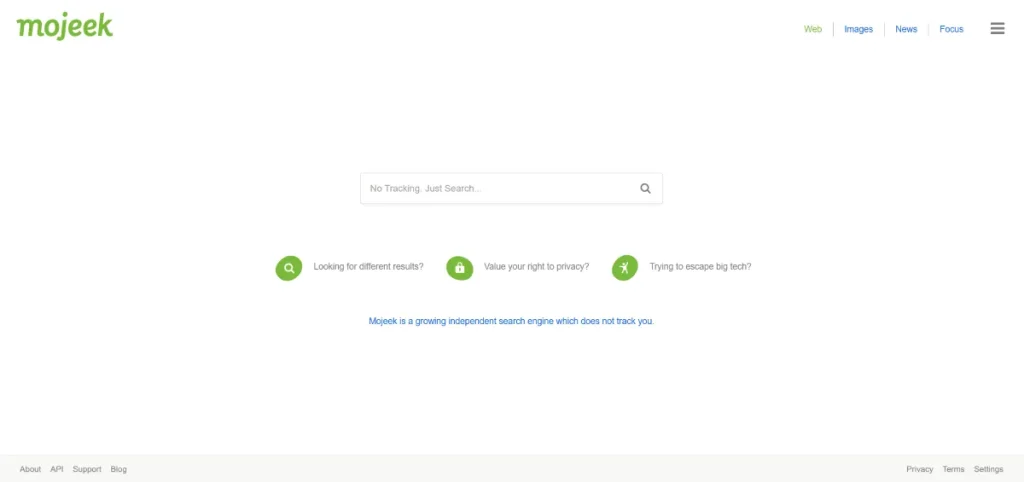
If Brave is the practical independent option, Mojeek is the purist one. It’s a UK outfit that’s been running its own crawler since 2004, feeding an index it calls Gravity. No Bing, no Google, no licensed results underneath.
That start date matters. Mojeek predates most of the “alternative search engine” conversation entirely, built years before privacy became a mainstream selling point, by a small team in Brighton more interested in proving an independent index was possible than in chasing a trend.
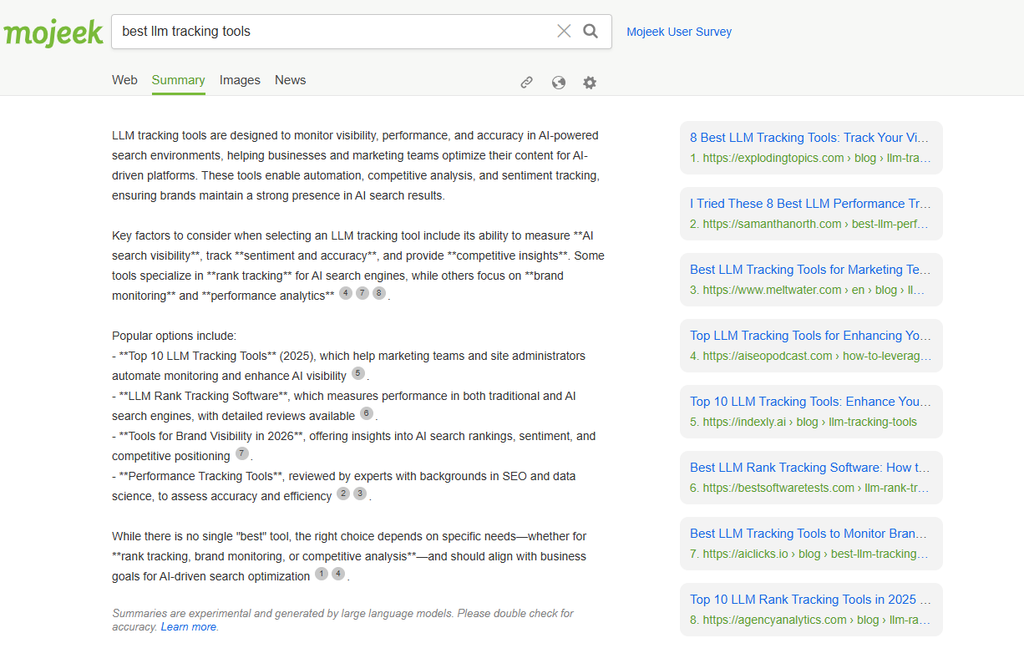
The company has been vocal about a tell worth knowing: if an engine’s results look suspiciously similar to Google’s, that’s usually because it’s quietly drawing from Google somewhere in the pipeline. Mojeek isn’t. Everything you see came from MojeekBot’s own crawl and Mojeek’s own ranking, which means the results genuinely differ from what you’d get anywhere else on this list.
That independence comes at a real cost, and Mojeek doesn’t hide it. The index runs to a few billion pages rather than the hundreds of billions Google has spent two decades accumulating, so obscure or highly specific queries can come up thin.
What you’re left with is an engine most serious users treat as a complement rather than a replacement, kept alongside something bigger for the days Mojeek’s coverage doesn’t reach far enough. For the searches it does handle, though, it’s about as close to a big-tech-free web as this guide gets.
What are Mojeek’s key features?
- Fully independent crawler and index. MojeekBot crawls, Mojeek’s own algorithm ranks, and 100% of web results are Mojeek’s. The company is blunt about the tell here: if an engine’s results look eerily like Google’s, that’s usually because it’s quietly pulling from Google. Mojeek isn’t.
- Strict no-tracking policy. No IP logging, no cookies, no profiling, no account. Mojeek claims to have been the first search engine to state publicly that it doesn’t track users.
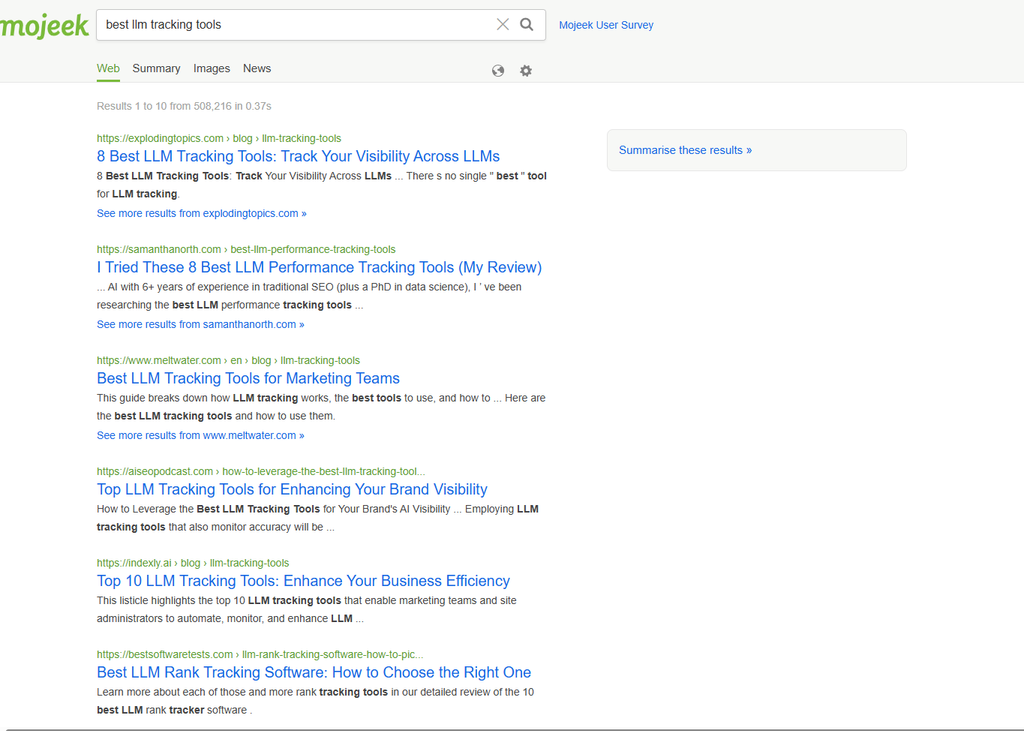
- Genuinely different results. Because the index and ranking are its own, you’ll often see pages no Bing- or Google-based engine surfaces.
- Clean, ad-light interface, hosted on UK infrastructure with a stated low-carbon commitment, plus a paid API for developers.
What are the pros?
- The most independent option in this entire guide, with zero reliance on Google or Bing
- No tracking of any kind, verified by long-running third-party privacy reviews
- Genuinely surfaces different pages than the Bing/Google-backed engines, which is the entire point of using it
- Free for everyday use
What are the cons?
- The honest limitation is scale. Mojeek’s index runs to several billion pages, a fraction of Google’s, and you’ll hit real gaps on niche, local, or highly specific queries
- Interface and features are noticeably more basic than Brave or Kagi
- Not a realistic sole daily driver for most people, by Mojeek’s own community’s admission
Should you use Mojeek?
Best for: people who care about breaking big-tech dependence on principle, and who want genuinely different results rather than a reskin.
Skip it if: you need one engine that reliably answers everything, including niche or highly specific queries.
3. If you’ll pay for better results
Every other engine in this guide is free because you’re the product in one way or another, ads, data, or a cause funded by your searches. This one flips that.
3.1 Kagi
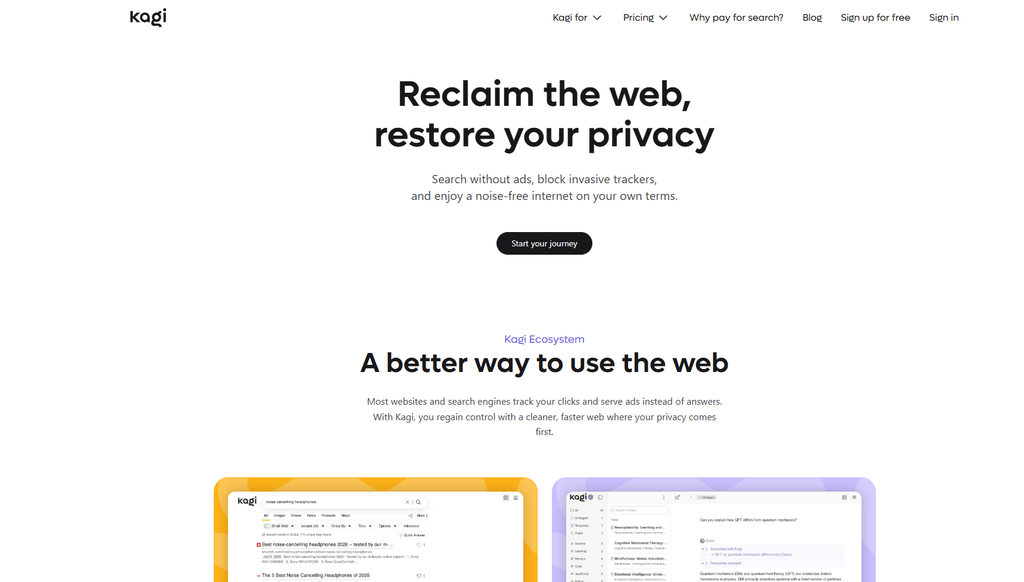
Kagi is the only engine in this guide you pay for, and that’s the actual product, not a footnote.
Free engines make money from ads and data. Kagi makes money from your subscription, so it has no reason to show sponsored junk or optimize for clicks over relevance.
That alignment is the whole argument, and across the forums where privacy-focused searchers actually argue about this, Kagi comes up as the single most-recommended paid option by a wide margin.
The company launched in 2018 out of Palo Alto, led by Vladimir Prelovac, and the name itself comes from the Japanese word for “key,” a small detail that lines up with how the product positions itself: something you unlock rather than something handed to you for free with strings attached.
Under the hood it’s not purely independent the way Brave or Mojeek are. Kagi blends its own crawl, internally named Teclis, with results pulled from several other sources, then applies its own ranking and heavy spam filtering on top, which is a different kind of independence than running a full index alone, but one aimed squarely at result quality rather than infrastructure purity.
That focus on quality over ideology shows up in the reception. Technology writers and longtime privacy advocates who’ve tried a lot of these engines have singled Kagi out specifically for how noticeably better its results feel compared to ad-driven search, not just for the privacy angle.
Whether that’s worth $10 a month depends entirely on how much you search and how tired you are of digging past SEO spam to find it, and we’ll break that math down below.
What are Kagi’s key features?
- Domain personalization: raise, lower, block, pin. The signature feature. Downrank or fully block a site that’s all filler, pin sources you trust to the top. Over time your results turn into a results page tuned specifically to you.
- Lenses. Prebuilt or custom filters that scope a search to a slice of the web, a recipes lens, a developer lens, an academic lens. Build your own for a niche you search constantly.
- Kagi Assistant. A chat interface with access to a rotating set of current frontier models from Anthropic, OpenAI, Google, and others, available on every paid plan, with the newest flagship models gated to the Ultimate tier. Toggle web grounding on or off, apply Lenses inside it, upload files.
- Universal Summarizer. Paste a URL, PDF, YouTube video, or podcast and get a summary, useful for deciding whether a long piece is worth your time.
- Quick Answer. Add a ? to any query for a fast, cited, short answer inline.
- Kagi Translate, Privacy Pass, bangs, a developer API, and Small Web, a curated feed of non-commercial, human-made sites.
What are the pros?
- Zero ads, ever, which reviewers and forum users cite as the single biggest quality-of-life difference versus free engines
- Domain blocking and pinning genuinely changes what you see over time, in a way no free engine offers
- Multi-model AI assistant can replace several separate subscriptions for people already paying for AI tools
- Fair-use billing credits you back for months you don’t use
What are the cons?
- It’s a subscription for something people are used to getting free, so casual searchers won’t get their money’s worth
- The index is narrower than Google’s, so very recent news and obscure long-tail queries can be patchy
- Local, maps, and shopping trail Google noticeably
- The Starter plan’s 300-search cap runs out fast for anyone who searches seriously during the day
- Occasional bugs and rough edges get mentioned repeatedly in longer-term user reviews, consistent with a smaller engineering team than the free giants
How much does Kagi cost?
A 100-search free trial, Starter at $5/month for 300 searches, Professional at $10/month for unlimited searches, and Ultimate at $25/month for unlimited searches plus the newest premium AI models and a Research mode.
Family and Team plans exist at additional cost. If you don’t use your plan in a given month, Kagi automatically credits it back.
Should you use Kagi?
Best for: researchers, developers, and anyone searching dozens of times a day who’s tired of digging past SEO spam.
Skip it if: you won’t search enough to justify $10 a month. Be honest with yourself here, because the Starter plan will frustrate a heavy user fast.
4. If you want a mainstream, familiar alternative
Not everyone switching search engines is trying to make a statement. Sometimes you just want something that isn’t Google, without relearning how to search.
4.1 Bing

Bing is still the obvious answer if you want something that feels like Google without being Google. It holds a real, if distant, second place globally, and notably higher on US desktop.
In our clients’ data it’s consistently the biggest non-Google source, which is why we stopped treating it as an afterthought a while ago.
Microsoft has been at this since 2009, when Bing replaced the old Live Search brand and started actually investing in its own index rather than treating search as a side feature bolted onto Windows.
That investment is easy to underestimate from outside the SEO world, but it’s worth naming directly here: Bing’s index is what quietly powers a chunk of this guide. DuckDuckGo, Yahoo, Ecosia, and Swisscows all lean on Bing’s results underneath their own branding, which makes Bing far more central to the “alternative search engine” landscape than most people realize when they’re specifically trying to avoid it.
The AI push has been aggressive too. Microsoft’s February 2023 relaunch, positioned by Satya Nadella as “your copilot for the web,” rebuilt the interface around conversational answers years before that became the industry default, and Copilot Search still feels more mature than most competitors’ bolted-on AI features as a result.
None of that changes what Bing actually is underneath, though: a big-tech company running the same ad-and-data business model Google runs, just with a different logo and a rewards program attached.
That’s not a knock on it. It’s just the thing to keep straight before you pick it for the wrong reason, and we’ll spell out exactly where that distinction matters below.
What are Bing’s key features?
- Its own deep index. Bing crawls and ranks the web itself, so it won’t strand you on an obscure query the way smaller engines can. Shopping and local results are solid.
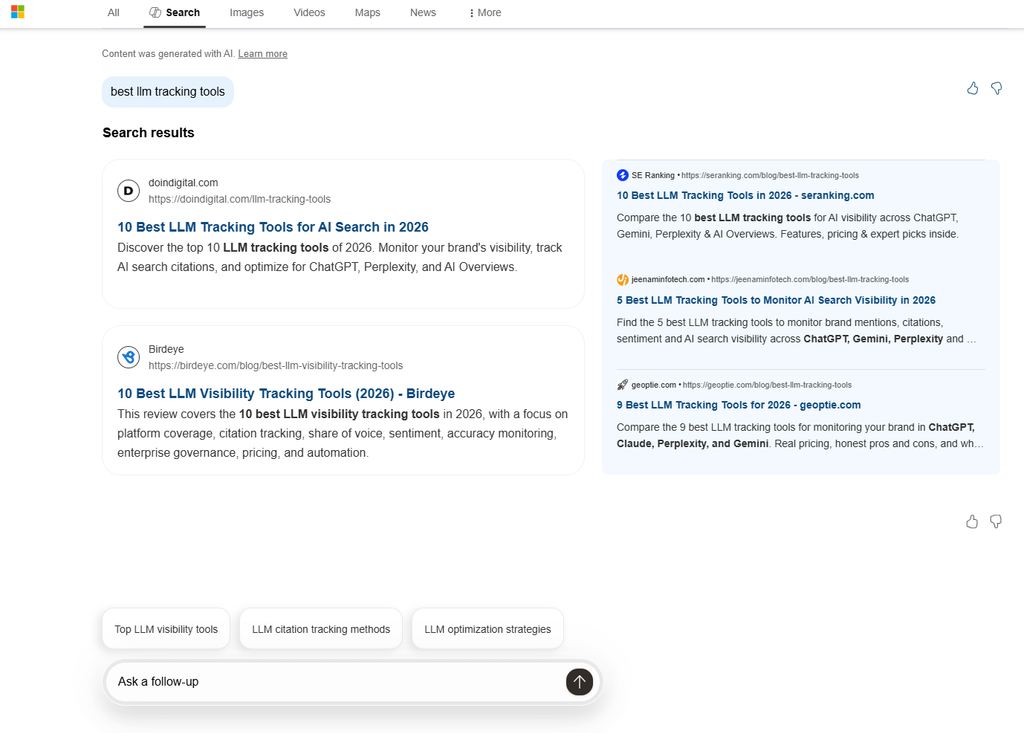
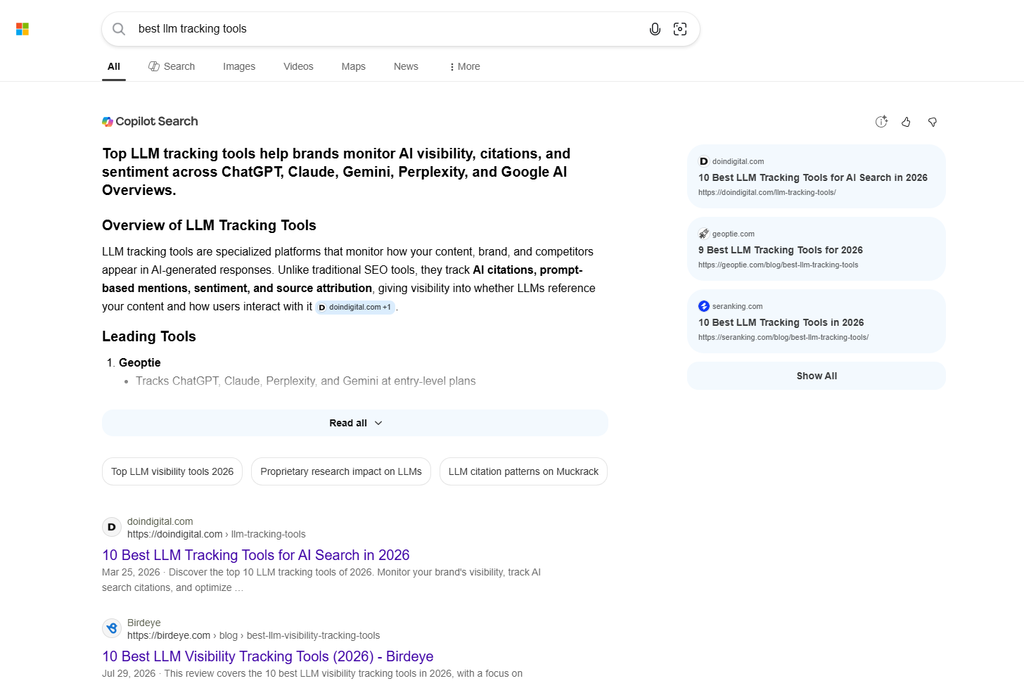
- Copilot Search. Microsoft’s AI layer gives conversational, cited answers with follow-ups on top of normal results, accessible from a dedicated tab or inline.
- Microsoft Rewards. You earn points for searching that convert to gift cards or charitable donations. The one mainstream engine that pays you back a little.
- Full feature set: images with strong visual search, video with inline previews, news, maps, and shopping, all mature.
- Deep Windows and Edge integration. Taskbar and address-bar searches route to Bing by default, which is why a meaningful share of Bing’s total users reportedly don’t realize they’re using it.
What are the pros?
- A genuinely comprehensive, mature index with strong shopping, local, and visual search
- Copilot Search’s follow-up prompts are unusually well tuned, consistently surfacing the next logical question
- Rewards program adds tangible value for heavy searchers
- Free, with no usage caps
What are the cons?
- Privacy isn’t the selling point. Bing runs on the same ad-and-data model as Google. If tracking is your concern, this is a lateral move, not an upgrade
- No independent story from Big Tech, since Microsoft is exactly the kind of large platform some readers are trying to move away from
- AI features are opt-in-adjacent but increasingly hard to avoid entirely in the interface
Should you use Bing?
Best for: anyone who wants a familiar, full-featured alternative and doesn’t mind the ad-supported model.
Skip it if: cutting data collection is the actual goal.
4.2 Yahoo
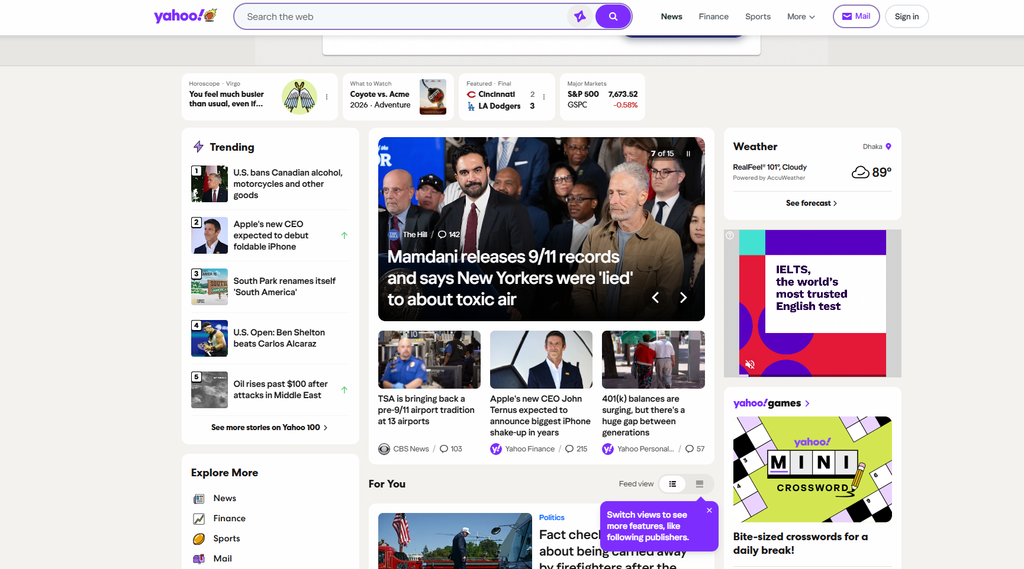
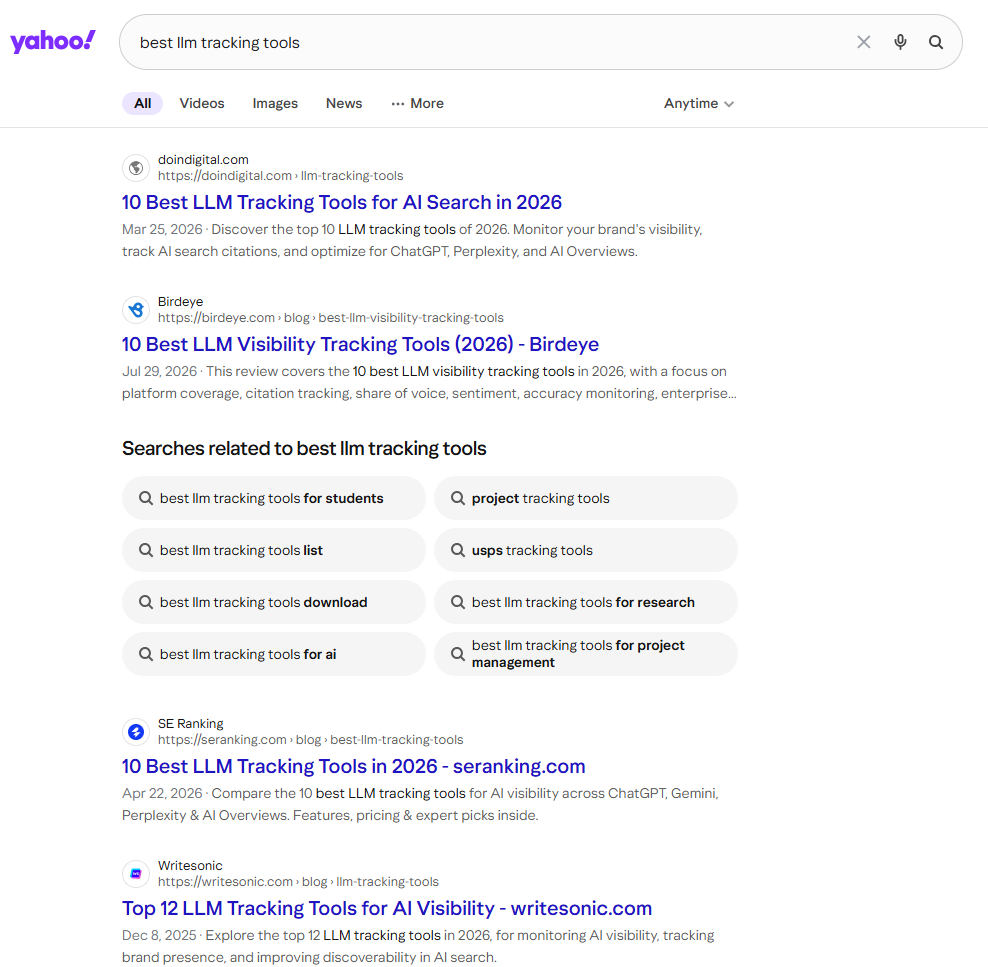
Yahoo is the familiar name that mostly runs on someone else’s engine. Its web results are powered by Bing’s index, so what you get is Bing quality wrapped in Yahoo’s portal, plus its own AI layer on top.
That wasn’t always the arrangement. Yahoo ran its own search index for years after launching in 1994, back when it was still primarily a directory of websites rather than a search engine at all.
The switch to Bing came in 2009, through a search deal with Microsoft that effectively ended Yahoo’s run as an independent search company. It’s been operating on borrowed infrastructure ever since, which is worth knowing if you’re picking Yahoo specifically expecting something distinct from Bing itself.
Ownership has been just as unsettled. Yahoo passed through Verizon before being sold to private equity firm Apollo Global Management in 2021, and that instability shows up in how the product feels today: less a search engine with a clear identity, more a content portal that happens to have a search box attached.
What Yahoo still does well is the portal experience itself, news, finance, sports, and mail all sitting on one homepage in a way few competitors bother building anymore. Layered on top of that is Yahoo Scout, its newer AI assistant, which extends across Mail, News, Sports, and Shopping rather than existing as a separate standalone tool.
For someone who’s used Yahoo Mail or Yahoo Finance for years, that familiarity carries real weight. For someone comparing search engines specifically on merit, there’s less reason to reach for Yahoo over the same Bing results available elsewhere with less clutter around them, and we’ll lay out exactly where that trade-off lands below.
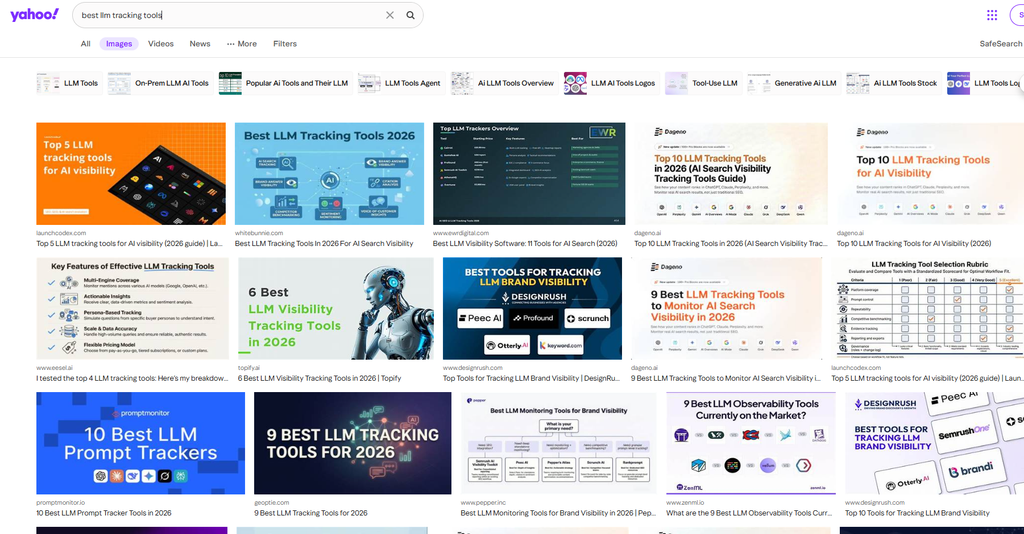
What are Yahoo’s key features?
- Portal layout, with curated news, finance, sports, and email built around the search box, for people who like everything on one landing page.
- Bing-powered web results, so relevance tracks Bing closely.
- Yahoo Scout, an AI-powered assistant that generates conversational answers across Yahoo’s products, including Mail, News, Sports, Shopping, and Finance, also usable as a standalone tool.
- Yahoo Mail and Finance integration for long-time users already embedded in that ecosystem.
What are the pros?
- The portal layout lets you search directly from whatever content you’re already reading, without opening a new tab
- Scout links out to a wide set of sources in its AI answers, making fact-checking straightforward
- Search quality is solid by inheritance from Bing
- Free, with no usage caps
What are the cons?
- No independent index and no privacy story. It’s Bing underneath with more clutter and more curated content layered on top
- Little reason to pick Yahoo specifically for search quality, since the same Bing results are available cleaner elsewhere
- The homepage’s density can feel like noise if you just want a plain search box
Should you use Yahoo?
Best for: long-time Yahoo users who want a familiar home base with search built in.
Skip it if: you care about privacy or an independent index, since Yahoo offers neither.
5. If you want your searches to do something meaningful
Some people don’t want a different search experience at all. They just want the same searches they’re already running to fund something they actually care about.
5.1 Ecosia
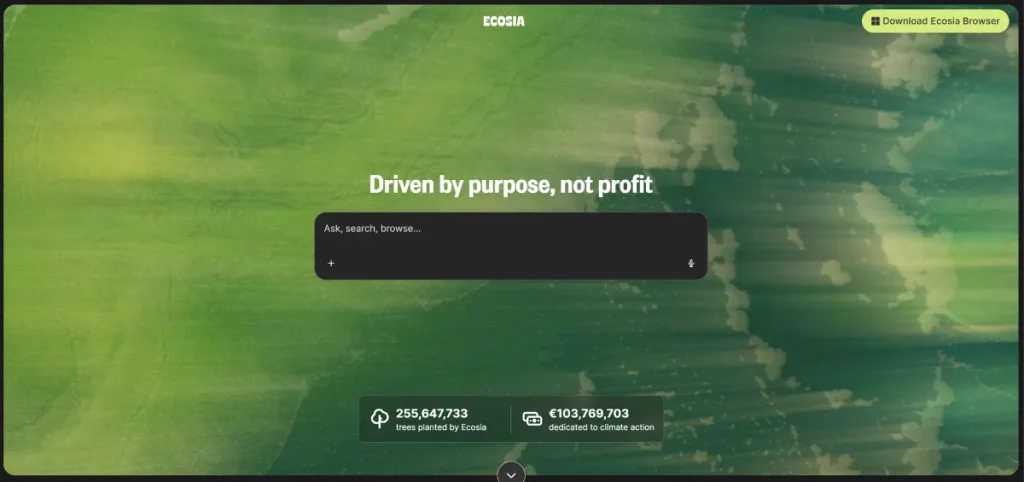
Ecosia’s pitch is the simplest one here. You search, Ecosia earns ad revenue like any engine, and it puts a large share toward planting trees.
It’s a Berlin company that’s funded well over 200 million trees since 2009, almost entirely from ordinary search traffic.
Christian Kroll founded it after a backpacking trip through South America, where he saw deforestation up close and came back wanting to build something that funded reforestation as a byproduct of something people already did every day, rather than asking them to donate separately.
What makes the commitment harder to walk back than most corporate pledges is a legal structure change in 2018, when Ecosia locked its own ownership into a steward-owned model through the Purpose Foundation.
Practically, that means nobody, including Kroll himself, can sell the company for personal profit or redirect its earnings away from its stated mission, a safeguard most “cause-driven” companies don’t bother building into their own legal paperwork.
The mission has broadened past tree planting too. Ecosia has put meaningful money into building its own solar power plants in recent years, functionally letting the company generate more clean energy than its own operations use, rather than resting on the original tree-planting pitch alone.
None of that changes the search experience itself, which still leans on Bing underneath. But it does mean the cause behind Ecosia is harder to dismiss as marketing, and we’ll get into exactly what that trade-off looks like next to the more privacy- or independence-focused options below.
What are Ecosia’s key features?
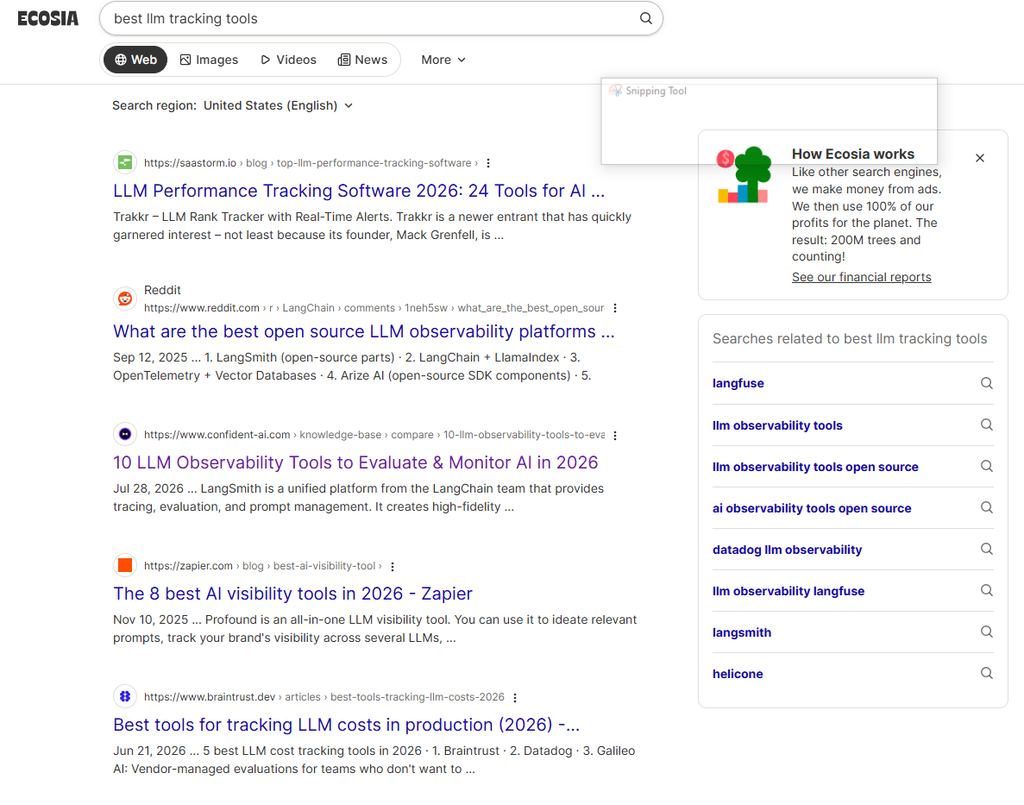
- Tree planting from search revenue, with a running counter showing roughly how many searches equal a tree, backed by published financial reports.
- Blended results from Ecosia’s own indexing effort, now co-developed with Qwant as a shared European web index, plus Microsoft Bing, so the experience feels familiar rather than experimental.
- Privacy basics: no selling data to advertisers, no third-party ad tracking, though it’s not built as a hardcore anonymity tool.
- A dedicated browser and standard image, news, and map search, with optional AI features you can ignore.
What are the pros?
- A genuinely good cause funded by ordinary search behavior, with public financial reporting to back the claim
- Familiar, Bing-adjacent result quality, so there’s almost no adjustment period
- No personalized ad profiling
- Free, with no usage caps
What are the cons?
- Be clear on what this isn’t. It’s not primarily a privacy tool or an independence play, it’s Bing-adjacent results with a genuinely good cause attached
- If avoiding tracking or big-tech dependence is your priority, other engines in this guide fit better
- The joint European index effort with Qwant is still young, so most of what you’re searching is still Bing underneath for now
Should you use Ecosia?
Best for: anyone who’ll be searching anyway and wants that activity to fund something real.
Skip it if: privacy or independence is the thing you’re actually optimizing for.
5. If you want an answer, not a page of links
Ten links and an afternoon of tab-switching isn’t always the point. Sometimes the point is just knowing the answer, with something to check it against.
5.1 Perplexity
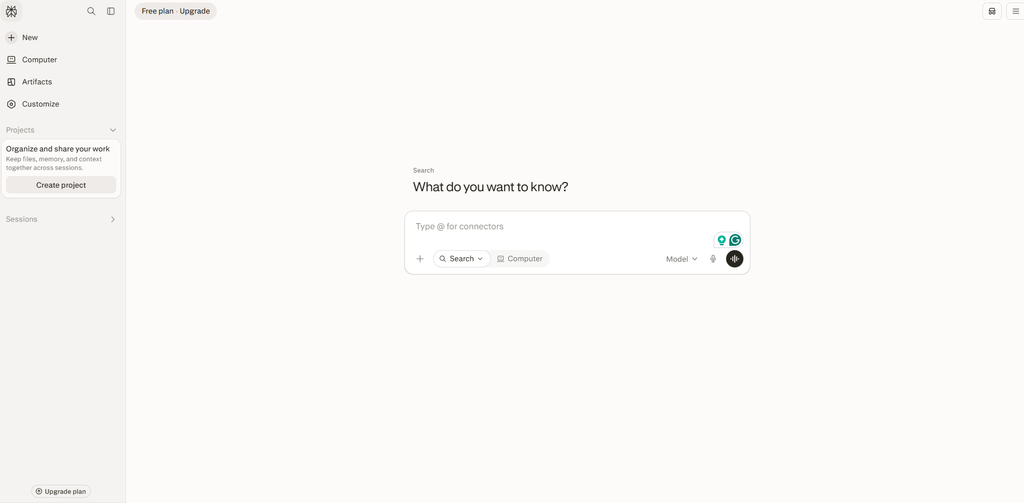
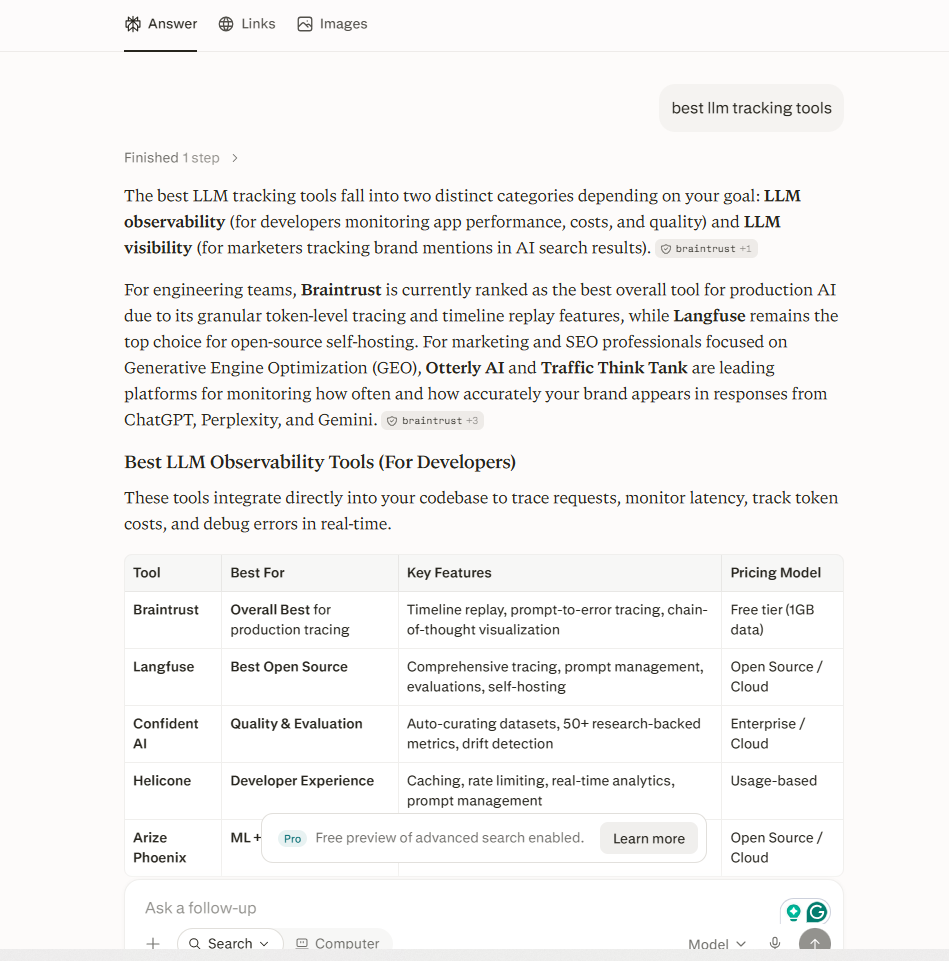
Perplexity isn’t trying to be a better Google. It’s trying to replace the habit of searching at all. Ask it a question and it reads across the live web, writes a direct answer, and attaches numbered citations to every claim.
It launched in 2022 out of San Francisco, founded by Aravind Srinivas alongside a small team with backgrounds in AI research at places like OpenAI and DeepMind, and the pitch from day one was narrower than most of its competitors: not a chatbot with search bolted on, but a research tool built around sourcing from the start.
That focus shows in what the company has built since. Comet, its own browser, went free to everyone in late 2025, folding search directly into the browsing experience rather than treating it as a separate destination. Perplexity Computer, launched more recently on the top-tier plan, pushes further into orchestrating multiple AI models as specialized sub-agents for complex research tasks, well past what a simple search box implies.
The company has also leaned hard into transparency as a selling point, publishing its sourcing methodology and pushing back publicly on accusations of undisclosed AI hallucination in ways that have made it a frequent subject of both praise and scrutiny in journalism and research circles.
Where that scrutiny lands matters, and we’ll get into the specifics below, along with exactly how the pricing ladder has grown since the early days of a single free tier.
What are Perplexity’s key features?
- Cited answers. Every claim links to a numbered source you can click to check. This is the core of the product and what separates it from a plain chatbot.
- Real-time web search on every query, so unlike a static-training chatbot it stays current.
- Pro Search and Deep Research. Pro Search uses stronger models and multi-step reasoning. Deep Research runs a longer investigation across many sources and compiles a fuller report.
- Perplexity Computer, a newer orchestration feature on the top tier that coordinates multiple specialized AI models as sub-agents for complex research tasks.
- Spaces for organizing research by topic or project, useful for ongoing work or team research hubs.
- Model choice on paid tiers, rather than one fixed engine, plus file uploads for asking about your own documents.
What are the pros?
- Citations are genuinely checkable, which is rare in the AI-answer category and the main reason to trust it over a plain chatbot
- Surfaces sources, including forum threads, that don’t always appear in Google’s top results
- Free tier is usable on its own, not just a trial funnel
- Strong for fast, sourced answers to specific factual questions
What are the cons?
- It’s an answer engine, not a browsing tool. If you want to explore broadly or weigh sources yourself, the single synthesized answer works against you
- Like any AI system it can misread a source, so verification isn’t optional
- The pricing ladder has grown more complex, with a $200/month Max tier now sitting well above the standard Pro plan, aimed at people who’d otherwise juggle several separate AI subscriptions
Should you use Perplexity?
Best for: research, fact-checking, and questions with a clear answer you want backed by sources.
Skip it if: you’re browsing, comparison shopping, or you’d rather judge the raw sources yourself.
5.2 ChatGPT Search
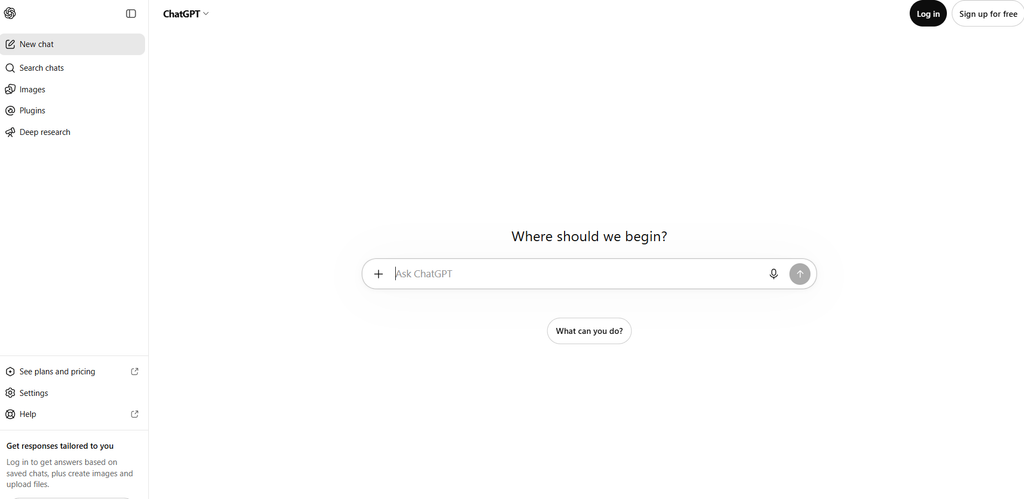
ChatGPT Search is OpenAI’s web-search layer built directly into ChatGPT, blending the chatbot’s conversational format with live web results. For a huge number of people, this is now the first place they type a question instead of a search engine, which is exactly why it belongs in this guide even though it doesn’t look like a traditional search engine at all.
OpenAI didn’t start here. ChatGPT launched in November 2022 as a pure conversational model with no live web access at all, which meant it could reason and write but couldn’t tell you anything that happened after its training data ended.
The fix came in stages. A limited prototype called SearchGPT went out to a waitlist in mid-2024, testing real-time retrieval and citations before OpenAI folded that work directly into ChatGPT itself and rolled it out broadly, first to paid users, then to everyone, including people without an account at all.
That rollout mattered because of scale most competitors simply don’t have. ChatGPT already had hundreds of millions of people using it weekly for everything from drafting emails to debugging code, and search didn’t require anyone to learn a new habit or open a new tab, it just showed up inside a tool they were already living in.
The early version had real accuracy problems, including publishers accusing it of misattributing or fabricating sources, and OpenAI has spent the time since building out formal attribution tools and giving publishers more control over how their content surfaces in results, a direct response to that early criticism.
Where it still lands short of a genuine search engine, and where ads have started creeping into the experience, we’ll get into next.
What are ChatGPT Search’s key features?
- Automatic and manual web search. ChatGPT pulls from the live web automatically when a query calls for it, or you can trigger it directly through the search tool in the message box.
- Cited, synthesized answers. Instead of a ranked list of links, you get an AI-written summary with clickable sources pulled in real time.
- Follow-up conversation. Because it’s built on ChatGPT, you can refine or redirect the search conversationally instead of rewriting a new query from scratch.
- Publisher attribution tools. OpenAI has built out tools for publishers to manage how their content is surfaced and attributed in search results, a response to early accuracy concerns.
- Deep integration with the broader ChatGPT product, including file uploads, memory, and custom instructions that carry over into how it searches for you.
What are the pros?
- Genuinely conversational search that carries context across follow-up questions, closer to talking to a research assistant than typing into a search box
- Surfaces sources, including community discussion threads, that sometimes don’t appear in Google’s top results for the same query
- Free tier includes real web search access, not just a locked preview
- Massive existing user base means there’s essentially no adjustment period for most people
What are the cons?
- No independent web index of its own. It’s a retrieval and synthesis layer, not a crawler, so it depends entirely on live web access working correctly for a given query
- Like any LLM-based tool, it can misread or overstate a source, and citations need to actually be checked, not just trusted because they’re numbered
- Paid ad placements have started appearing in some responses, positioned at the bottom and labeled, but a genuinely ad-free experience is no longer guaranteed at every tier
- Not built for browsing or comparison shopping the way a traditional results page is
Should you use ChatGPT Search?
Best for: people who already live in ChatGPT and want search folded into the same conversation, without switching tools.
Skip it if: you want to browse multiple sources yourself, or you need an engine with its own independent index behind it.
6. Regional and international engines worth knowing
Most of OneLittleWeb’s clients search from the US, UK, Canada, and Australia, so the three engines in this section aren’t realistic everyday replacements for most readers of this guide.
We’re including full profiles anyway because they matter for a specific, common situation: you’re doing SEO or market research for a client with a footprint in Europe, Russia, or China, and you need to understand how search actually works there.
6.1 Qwant
Qwant is the European privacy option worth knowing if that framing matters to you or your clients.
It launched in 2013 out of Paris, founded by Eric Léandri, Patrick Constant, and Jean-Manuel Rozan, built explicitly around a “no filter bubble” promise: the same query should return the same results for everyone, with nothing reshuffled based on who’s asking.
That positioning made it a natural fit for institutional backing. The French state investment bank took a stake early on, and the French government went further in 2019, mandating Qwant as the default search engine across public administration computers, a level of government adoption no other engine in this guide has.
The company hasn’t had a smooth run financially. Qwant went through real restructuring and layoffs in the early 2020s as it tried to reduce its dependence on external funding, and that instability shows up in a gap between its independence branding and its actual sourcing, since a meaningful share of its results still leans on Bing underneath.
What’s changed more recently is a joint effort with Ecosia to build a shared European web index, a direct, funded attempt to close that gap rather than just talk about it.
There’s also a dedicated Qwant Junior product, built specifically for schools and filtered for younger users, which reflects how much of Qwant’s actual usage runs through French educational and government channels rather than casual everyday search elsewhere.
We’ll get into exactly how that mix of ambition and reality nets out below.
What are Qwant’s key features?
- No tracking, no ad profiling, operating under EU data rules.
- Blended results from its own indexing effort plus Bing, now moving toward a shared European web index built jointly with Ecosia.
- Standard categories for web, images, and news, in a clean interface.
- European base, shaped by the EU market rather than the US one, which some users specifically want for jurisdictional reasons.
What are the pros?
- No-tracking search with a genuinely European legal and operational base
- Aligns with GDPR by design, not as an afterthought
- The Ecosia partnership signals a real, funded path toward reducing Bing dependence over time
- Free, with no usage caps
What are the cons?
- It’s still partly a Bing layer today, so it’s not yet a route off big-tech infrastructure
- For pure independence, Mojeek or Brave fit better right now
- Smaller community and less English-language discussion than the US-based engines in this guide
Should you use Qwant?
Best for: users or clients who want a no-tracking engine with a European legal base.
Skip it if: you want pure independence from Bing today, rather than a partnership working toward it.
6.2 Yandex
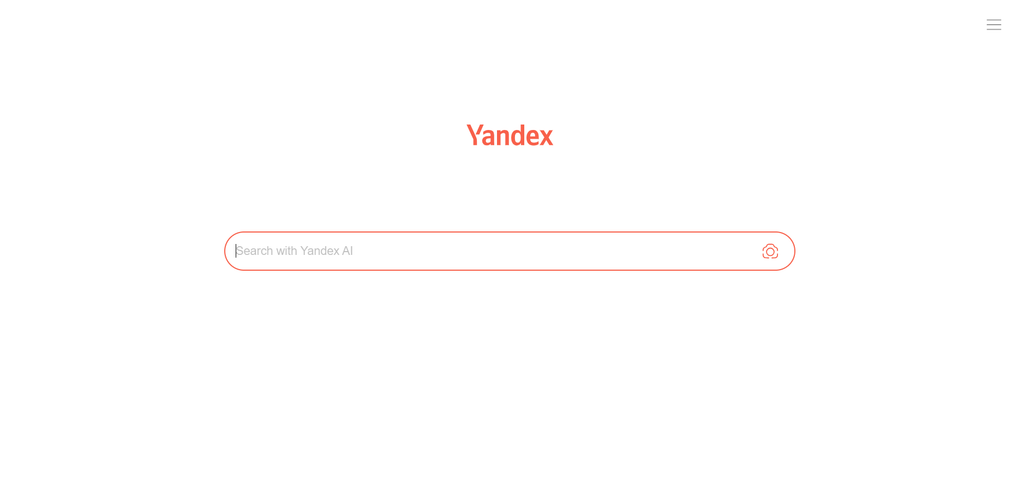
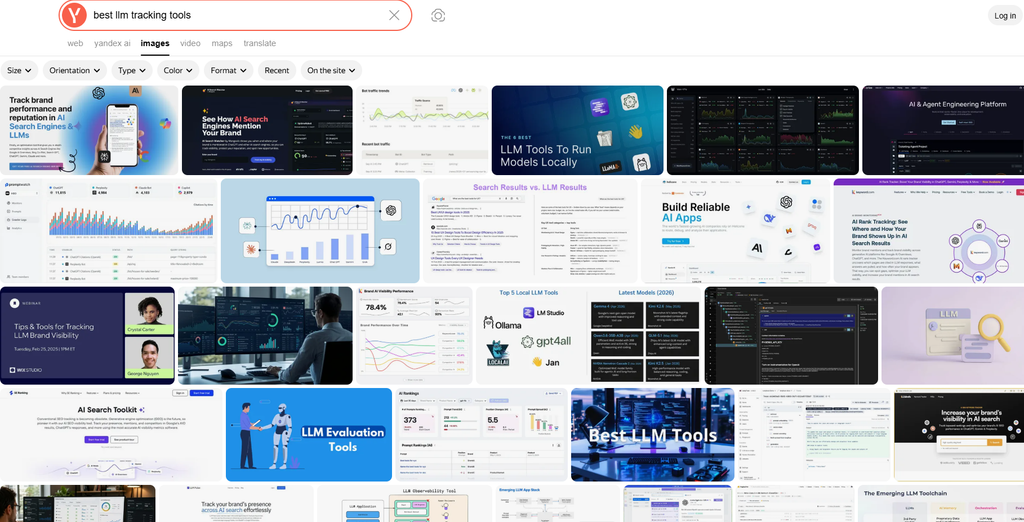
Yandex is the dominant search engine across Russia and several neighboring countries, and it understands Cyrillic-language queries and local context in a way Google and Bing genuinely don’t match.
It was founded in 1997 by Arkady Volozh and Ilya Segalovich, with the name itself a rough acronym for “Yet Another iNDEXer,” years before Google had any meaningful presence in the Russian-language market at all.
That early-mover advantage let Yandex build the same kind of scale lead in its home market that Google built globally, and it held onto that lead even after Google entered Russia directly, largely because its ranking actually understood Russian grammar and slang instead of treating the language as a translation problem.
The company grew well past search in the years since, expanding into ride-hailing, food delivery, cloud storage, and its own AI assistant, Alice, building a connected ecosystem that mirrors what Google built around its own search engine.
Ownership has shifted more dramatically here than anywhere else in this guide. Yandex was originally structured as a Dutch holding company, Yandex N.V., and traded on the Nasdaq for over a decade, until Russia’s 2022 invasion of Ukraine forced a restructuring that split the business apart. By 2024, the Russian operations had been sold to a group of local investors, severing the company from its international shareholders entirely.
That history, on top of a real data leak the company disclosed in 2023, is worth knowing before treating Yandex as just another name on this list, and we’ll spell out exactly what it means for anyone actually considering it below.
What are Yandex’s key features?
- Own independent index, built and ranked entirely in-house, part of a broader ecosystem that includes maps, mail, translation, and a ride-hailing service.
- Document language filtering, letting you set a preferred result language directly from the search page, which is unusually convenient compared to burying the same setting in Google’s preferences.
- Alice, a Russian-language AI voice assistant integrated across Yandex’s products.
- Regional and date-range filtering built into the standard results page.
What are the pros?
- Genuinely superior results for Russian-language and Cyrillic-script queries, which matters directly if you handle SEO for a client with that market
- A full, mature ecosystem of connected services, similar in scope to Google’s own suite
- The language-filtering tools are more accessible than equivalent settings on Google
What are the cons?
- Not a realistic privacy-motivated switch for most Western readers. It runs on the same ad-and-data model as Google, with the added consideration of Russian jurisdiction over your data
- Yandex disclosed a significant data leak in January 2023, which remains a real trust concern worth knowing about
- Limited practical relevance outside Russian-speaking markets or specific international SEO work
Should you use Yandex?
Best for: Cyrillic-language search, or agencies and marketers with clients in Yandex’s core markets.
Skip it if: you’re looking for a privacy-motivated Google alternative for everyday Western use.
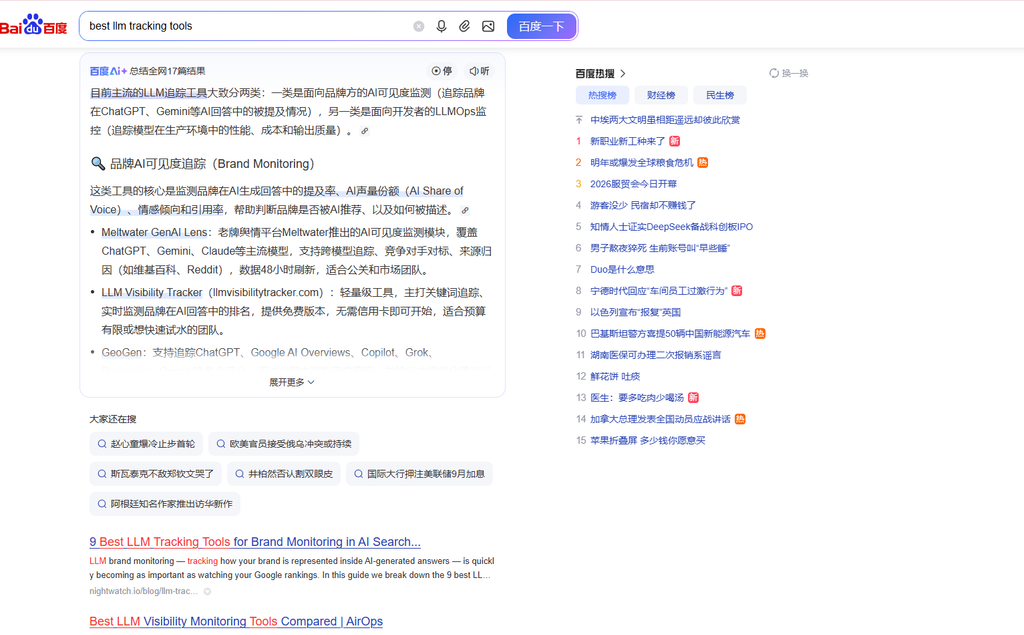
6.3 Baidu
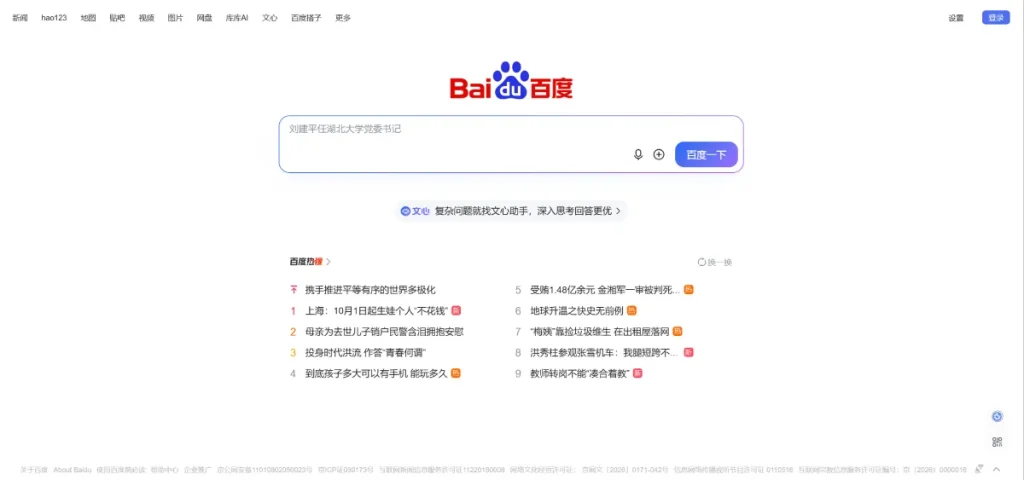
Baidu is the dominant search engine in China, holding the position largely because Google Search itself is blocked there. Its algorithm is tuned specifically for Mandarin, understanding grammar, tone, and slang in ways Google and Bing don’t.
It was founded in 2000 by Robin Li and Eric Xu in Beijing, with a name drawn from a line of classical Chinese poetry describing searching for someone amid a crowd, hundreds of times over, a deliberate nod to the act of searching itself rather than a technical acronym like most of the engines in this guide.
The company built real technical credibility early, listing on Nasdaq in 2005 in one of the largest single-day stock gains the exchange had seen at that point, well before most Western investors were paying close attention to Chinese tech.
The moment that actually cemented Baidu’s dominance, though, wasn’t anything Baidu did directly. Google largely withdrew from mainland Chinese search in 2010, after a dispute with the government over censorship requirements and a cyberattack traced back to China, redirecting its traffic to Hong Kong. That exit removed Baidu’s only serious global competitor from the market almost overnight, and Baidu has held that position ever since.
Since then, the company has pushed hard into AI and autonomous systems well beyond search, building its own large language models and running Apollo Go, one of the more advanced robotaxi programs operating in China today, positioning Baidu as closer to a broad technology conglomerate than a single-purpose search company at this point.
None of that changes the practical limitations for anyone outside China trying to use it, including the censorship requirements and phone-number restrictions we’ll walk through below.
What are Baidu’s key features?
- Own independent index, built and optimized specifically for the Chinese-language web.
- An AI-powered summary view, using domestic AI models to condense results into a bulleted summary with sources on request.
- Baidu Baike, a Wikipedia-equivalent reference layer that surfaces directly in results.
- Baidu Tieba, a Reddit-style forum platform that appears in search results, giving a direct window into what Chinese users are actually discussing, useful for product research and trend-spotting that Western social platforms don’t capture.
- A broader ecosystem including maps, music, video, and an app store, mirroring Google’s own suite of products.
What are the pros?
- The clear default and highest-quality option for Mandarin-language search and Chinese-market research
- Baidu Tieba surfaces authentic user discussion directly in results, which is genuinely useful for market and product research
- A mature, comprehensive product with the full range of services you’d expect from a market leader
What are the cons?
- Search results are subject to government content requirements and can be censored, a real and disclosed limitation rather than a rumor
- Some features require a Chinese phone number to access, limiting usability for researchers outside the market
- Not a privacy-motivated alternative to Google by any measure, and not a realistic everyday switch for readers outside China or without a China-market need
Should you use Baidu?
Best for: Mandarin-language search, or agencies and marketers doing SEO for clients with a China-market presence.
Skip it if: you’re outside China and looking for a genuine Google alternative for personal use.
Head-to-head: the four most common matchups
Reading fifteen full profiles back to back is a lot to hold at once, and a handful of these engines get pitted against each other constantly anyway, so it’s worth pulling those comparisons out on their own. These aren’t random pairings.
They’re the four matchups that come up again and again once someone’s narrowed the list down and is actually trying to pick between two specific options.
DuckDuckGo vs. Brave Search
Both are free and privacy-focused, but they solve different problems. DuckDuckGo leans on Bing underneath and wins on its no-AI mode and bangs. Brave runs its own index and wins on Goggles and genuine independence. If privacy alone is the goal, either works. If independence is the goal, Brave is the clear pick.
Startpage vs. Kagi
Both give you clean, Google-caliber results without Google watching. Startpage does it for free by proxying Google directly. Kagi does it for $10 a month by running its own index and letting you actively reshape your results over time. Startpage is the free equivalent of what Kagi charges for, minus the personalization tools.
Brave vs. Mojeek
Both run genuinely independent indexes, but at very different scales. Brave’s 30-billion-plus page crawl feels close to normal daily search. Mojeek’s smaller index means real gaps on niche queries, but its independence is even more absolute, with no licensed sources or partnerships softening the crawl the way Brave occasionally uses supplementary sources.
Perplexity vs. ChatGPT Search
Both are answer-first, citation-based tools rather than traditional search engines. Perplexity is purpose-built for research and leans harder into source transparency and dedicated research modes. ChatGPT Search benefits from an enormous existing user base and tighter integration with a broader AI assistant, but search is one feature among many rather than the whole product.
So which one do you actually pick?
Most people don’t need to replace Google outright. They need the right tool for one specific frustration. Here’s how we’d choose in your position.
If AI answers are what’s bothering you, start with DuckDuckGo’s no-AI mode. It’s the most direct fix for that exact complaint, one click, no subscription.
If you want an index that genuinely isn’t Google’s or Bing’s, Brave is the strongest option that still feels like normal search. Mojeek is the more principled version if you’ll trade coverage for full independence. SearXNG is the move if you also don’t want to trust the alternative’s company.
If you search constantly and result quality affects your actual work, Kagi is worth the $10. Heavy users consistently underestimate how much SEO spam a paid, ad-free index quietly filters out.
If you want research answers with sources attached instead of a page of links, Perplexity and ChatGPT Search both work, verify anything that matters before you repeat it either way.
If you’re doing SEO or research for clients outside the US, UK, Canada, or Australia, Qwant, Yandex, or Baidu matter far more than any privacy engine, depending on the market.
And if none of that moves the needle, Startpage or Bing will feel the most familiar with the smallest adjustment period.
Where does search go from here?
Search itself is fragmenting. Traditional ranked-link engines, AI assistants, and community platforms like Reddit and forums are all now competing for the same “I need an answer” moment, and Google’s own AI push is accelerating that split rather than containing it.
For anyone doing SEO or content work, this is also where Generative Engine Optimization comes in, the practice of making sure your content actually gets cited inside AI answers on platforms like ChatGPT, Perplexity, and Gemini, not just ranked on a traditional results page. Authority, clear structure, and genuine citations matter more here than classic keyword optimization alone.
We track this shift closely because it changes where client traffic actually comes from, and it’s a big part of why this guide exists in the first place.
Can any of these actually replace Google?
Honestly, for most people, not on its own. The realistic setup is two engines: a private or independent one for daily use, plus Google or an AI answer engine kept around for the searches where nothing else measures up. That’s not a cop-out, it’s just what the referral data and the sourcing realities point to.
The gaps show up in predictable places. Local search is the big one. Most privacy engines lean on Apple Maps or Bing for local listings, and it’s usually thinner than Google’s. Maps, shopping, and very fresh news are the other spots where Google’s depth still wins.
Where the alternatives hold their own is everyday informational search, research, and anything where you actively don’t want tracking or an AI answer wedged in. That covers a lot of what people do all day.
How to test one yourself in five minutes
Don’t take our word for it, or anyone’s. Run the same handful of searches on a candidate engine and on Google, side by side:
- A current news event
- A nearby business or “near me” query
- A niche technical question you already know the answer to
- A product comparison
- An old page you remember, using an exact phrase in quotes
Then look at what actually differs: how relevant the top three results are, how current they are, how intrusive the ads and AI boxes feel, and whether local holds up. Do it signed out. Ten minutes of this tells you more than any roundup, because it’s your searches, not a reviewer’s.
The bottom line
Google isn’t going anywhere, and for a quick lookup it’s still usually the fastest way to an answer. But “fastest” and “only option” stopped being the same thing, and Google’s own 2026 AI push is what drove that home for a lot of people, including some of our own clients’ audiences who quietly started showing up on other engines.
Pick the alternative that solves your actual problem instead of chasing the idea of quitting Google entirely. A privacy engine for daily use, an independent index if you want off the big-tech pipe, a paid one for serious research, an AI answer engine for questions with a clear right answer, and a regional engine if your work reaches beyond your home market. You don’t have to choose just one, and most people shouldn’t.
FAQ
A few questions come up over and over once people start actually comparing these, so here they are in one place.
Which search engine is the most private?
For a free, mainstream option, DuckDuckGo. For privacy plus a genuinely independent index, Mojeek. For maximum control over what upstream engines even see your query, a self-hosted SearXNG instance. Pairing any of these with a VPN adds IP-level protection they can’t provide alone.
Which search engines have their own index?
Among the 15 covered here, Brave, Mojeek, Kagi, Bing, Yandex, and Baidu crawl and rank the web themselves. Ecosia and Qwant partly do, blended with Bing. DuckDuckGo, Startpage, and Yahoo mostly rely on Bing or Google underneath. Perplexity, You.com, and ChatGPT Search don’t run a traditional index at all, they retrieve and synthesize instead.
Does DuckDuckGo use Google?
No. DuckDuckGo sources most of its traditional links from Bing, not Google, plus its own crawler and partners like Wikipedia and Apple Maps. It’s private, but it isn’t independent from Bing.
Is Brave Search really independent?
Yes. Brave serves results from its own index and stopped relying on Bing back in 2023. It shows you an independence score per search, which is more transparency than most engines offer.
Is Kagi worth paying for?
If you search a lot and value clean, ad-free, tunable results, heavy users consistently say the $10 monthly cost pays for itself in time saved. If you search casually, it’s hard to justify over a good free option like Brave or DuckDuckGo.
Can I use a search engine without AI?
Yes. DuckDuckGo’s noai.duckduckgo.com strips out AI answers and AI images entirely and is the cleanest option available. Most other engines let you ignore or disable the AI box, and Google still returns links, just with AI features pushed to the top.
What should I use if I do SEO for clients outside the US or Europe?
Check where your client actually needs visibility. Yandex matters for Russian-language markets, Baidu is close to mandatory for a China-market presence since Google is blocked there, and Qwant is worth knowing for EU-based privacy-conscious audiences. None of these are personal Google replacements for most Western readers, but they’re essential for the right client.
Can I stop using Google completely?
Some people do, but most land on a two-engine setup: a private or independent engine for daily searches, plus Google or an AI tool kept around for local, maps, shopping, and the occasional query nothing else answers as well.